September 9, 2026
PSG Support Ends 29 Sep 2026 ! | SFEC Support Ends 30 Nov 2026. Get 1-Year FREE AdaptivePay Subscription. (T&C Apply)
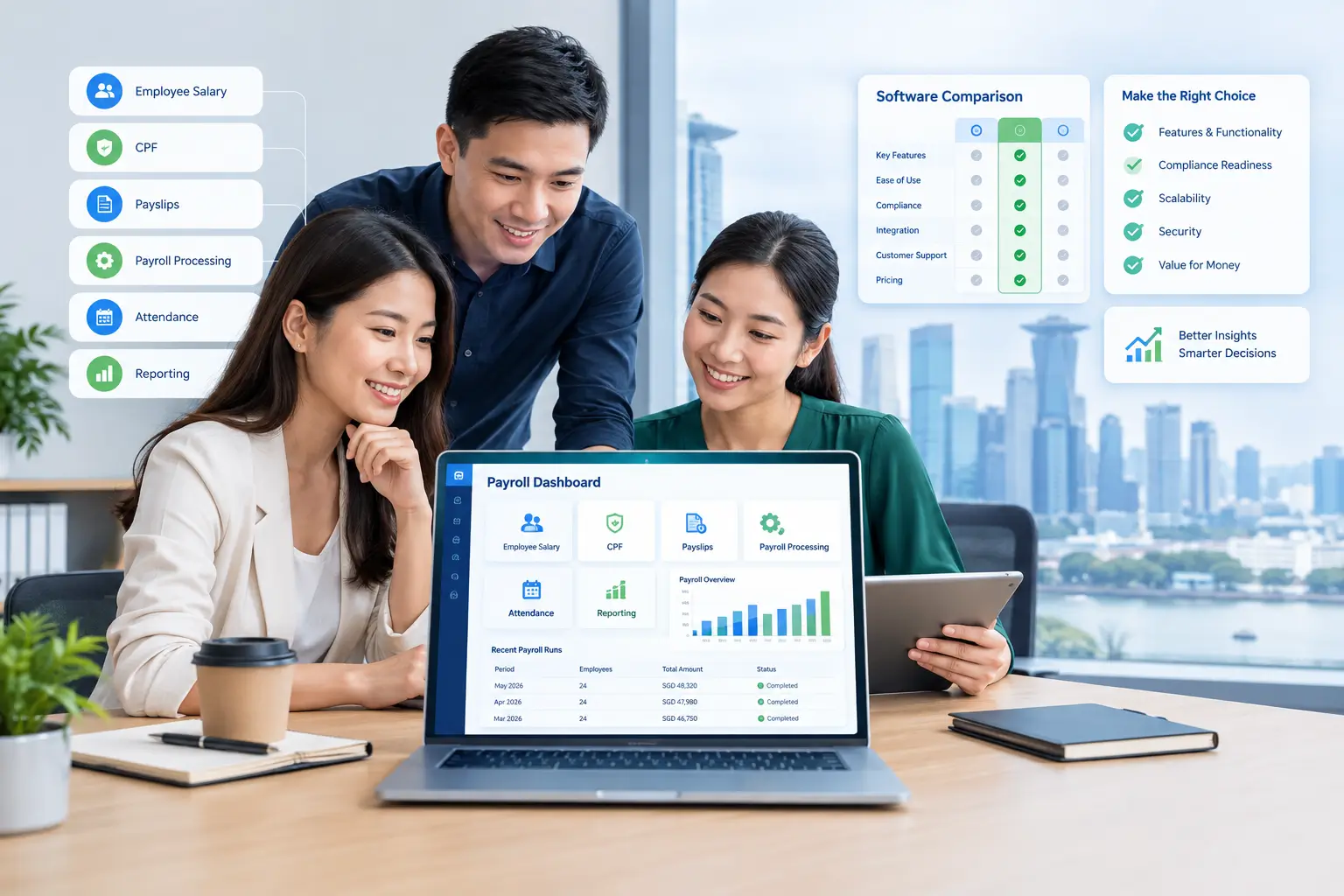
Payroll Software Singapore can help SMEs move beyond spreadsheet-based payroll and manage salary calculations, statutory contributions, payslips, and related HR processes more efficiently. If you’re reading this, you’re probably past the “should we get payroll software” question and onto the harder one: which one, and how do you actually compare them without getting lost in feature lists that all start to sound the same?
This guide walks through what payroll software actually does, the features worth prioritising, what drives the cost, and a practical process for evaluating vendors — so you can make a decision based on your business’s actual needs rather than whichever sales deck sounds the most impressive.
Payroll software is a system that automates the calculation of employee salaries, statutory contributions, and payslip generation, replacing manual spreadsheet-based payroll processing. Instead of an HR or finance team calculating CPF contributions, overtime, and deductions by hand each month, the software applies configured rules automatically and produces itemised payslips, statutory reports, and payment files.
Most modern payroll software in Singapore is cloud-based, meaning it’s accessed through a browser or app rather than installed on a single office computer, and often integrates with related HR functions like leave, attendance, and claims.
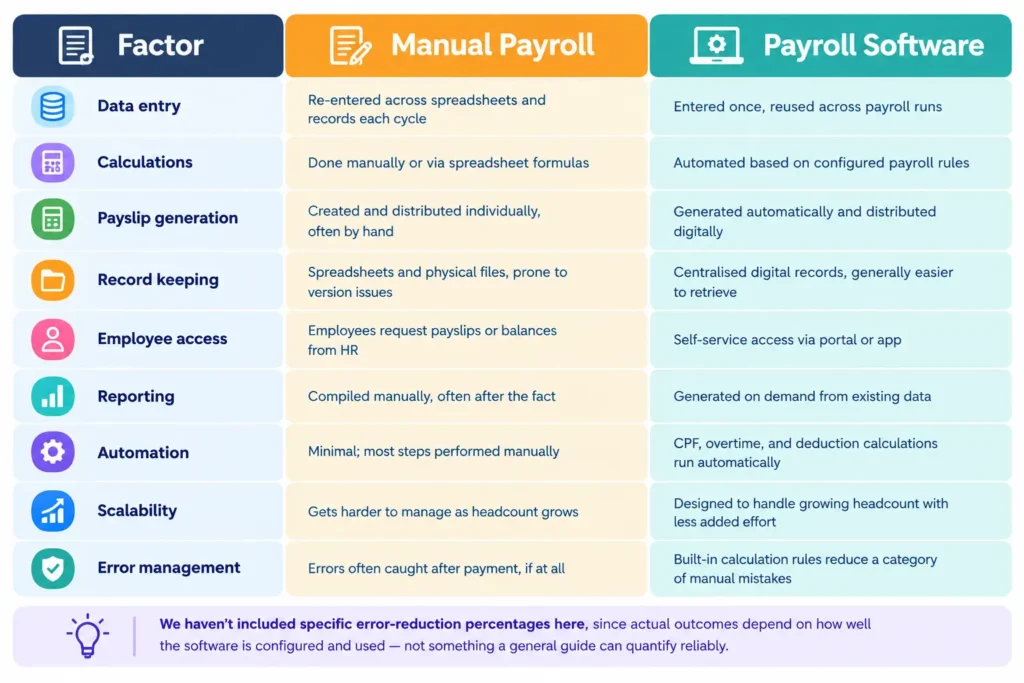
Manual payroll tends to work fine when a company has a handful of employees on a simple, fixed salary structure. The challenges usually start showing up as the business grows or payroll gets more complex:
Whichever software you choose, it needs to support — not just claim to support — a few core statutory obligations:
The distinction here matters more than it might seem at first glance.
Traditional payroll systems are typically installed on a single computer or local server, accessed only from that specific machine or network. Updates (including CPF rate changes) often require manual installation, and accessing payroll data remotely usually isn’t straightforward.
Cloud payroll software is hosted online and accessed through a browser or app from any device with an internet connection. Updates, including statutory rate changes, are typically pushed automatically by the vendor. This also makes it easier for HR or finance staff to process payroll while working remotely, and for business owners to check payroll status without needing to be in the office.
Most payroll software built for the Singapore SME market today is cloud-based, largely because it reduces the IT overhead of maintaining local infrastructure and keeps compliance updates centralised. Traditional on-premise systems still exist, particularly among older legacy setups, but they’re increasingly the exception rather than the norm for new SME purchases.
Pricing varies significantly between vendors, and this guide won’t invent specific figures — actual pricing depends on the provider and your requirements. That said, a few factors consistently influence cost:
It’s also worth checking government support options. Under the Productivity Solutions Grant (PSG) administered by Enterprise Singapore, eligible SMEs adopting pre-approved digital solutions — including some payroll and HRMS software — can receive funding support toward the cost, subject to eligibility criteria. Since grant terms and eligible solutions change periodically, check current details directly on Enterprise Singapore’s site or with the specific vendor’s PSG status before assuming eligibility.
Rather than comparing headline monthly prices in isolation, request quotes based on your actual employee count and required modules, and factor in the internal time saved versus your current manual process.
A structured evaluation process helps avoid choosing based on the flashiest demo rather than actual fit:
1.What’s the difference between payroll software and an HRMS?
Payroll software focuses specifically on salary calculation, CPF contributions, and payslip generation. An HRMS (Human Resource Management System) is broader, typically combining payroll with modules like leave, attendance, claims, and appraisals in one platform.
2.Is cloud payroll software secure for storing salary data?
Cloud payroll software can be secure, but security depends on the specific vendor’s practices — encryption, role-based access controls, and audit logging are worth confirming directly rather than assuming based on the “cloud” label alone. Ask vendors to explain their specific security measures before signing up.
3. How long does it take to implement payroll software?
Implementation timelines vary based on company size, data complexity, and how many modules are being set up. A straightforward payroll-only setup for a small team may take a few weeks; a full HRMS rollout with multiple modules and data migration can take longer.
4.Can payroll software handle CPF calculations automatically?
Yes, most payroll software designed for the Singapore market automates CPF contribution calculations based on employee age, citizenship status, and wage ceilings.
For SMEs evaluating Payroll Software Singapore, the key is to match the software’s capabilities with actual payroll requirements rather than choosing based on feature count alone.
Choosing payroll software isn’t about finding the platform with the longest feature list — it’s about matching genuine capability to your SME’s actual payroll challenges, confirming it handles Singapore’s CPF, MOM, and IRAS requirements properly, and understanding what you’re actually paying for before you sign. The right choice depends on your headcount, current pain points, budget, and how much of your HR operations you eventually want on one platform.
For SMEs weighing payroll software specifically, it’s also worth understanding how payroll software compares to outsourcing your payroll entirely, since the right fit isn’t always software for every business. If software is the right direction for you, Adaptive Pay’s payroll software automates salary calculations, CPF contributions, and itemised payslip generation, and connects with leave, attendance, and other modules within the broader Adaptive Pay HRMS — worth a look as one option among several as you work through your own evaluation.
Manage HR, payroll, attendance, leave, and employee operations in one powerful HRMS platform to improve efficiency and simplify workforce management.
Enquire now to learn how we can build a solution for your business needs or speak with us for a free demo.
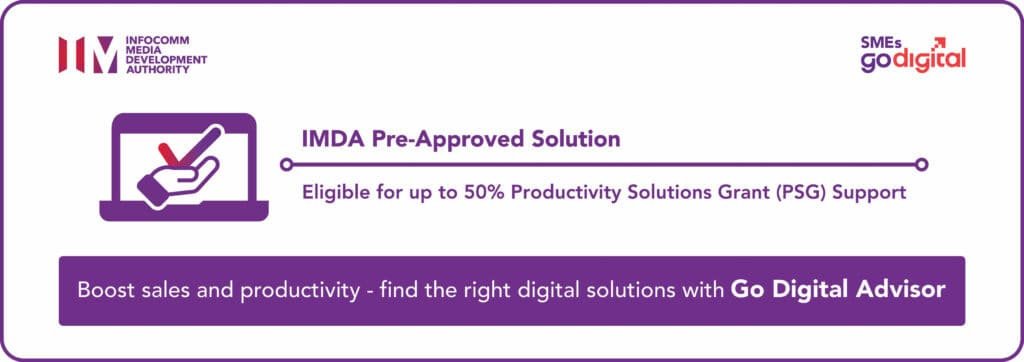
SMEs are eligible for up to 50% Productivity Solutions Grant (PSG) support for the adoption of Adaptive Pay, a Pre-Approved solution under the IMDA SMEs Go Digital programme.
A smarter way to manage payroll, attendance, claims and appraisals – all in one seamless platform





Copyright © 2026 – Adaptive Cloud Systems Pte Ltd