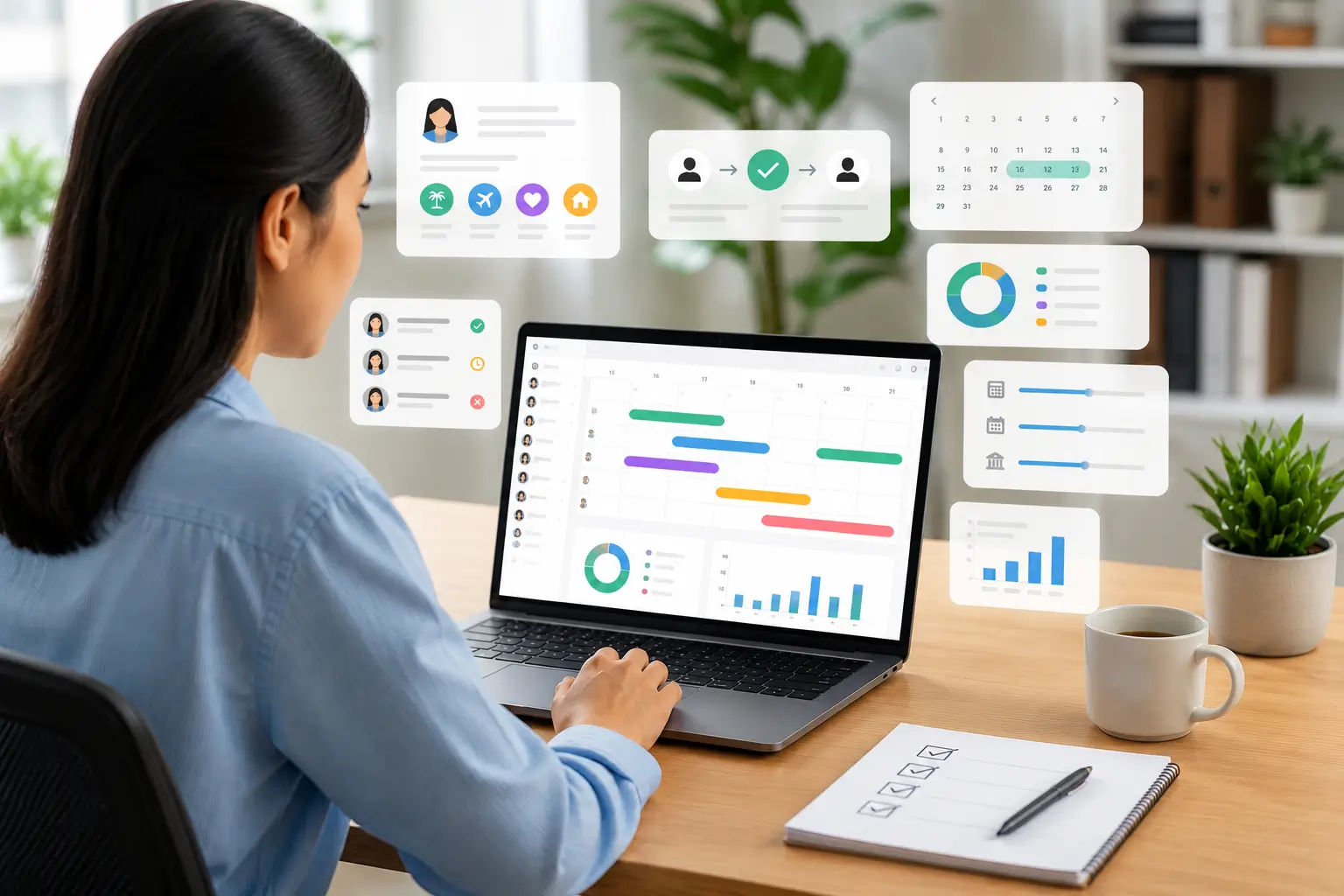
attendance data for workforce planning is one of the fastest ways to move from “guessing” coverage needs to forecasting them with evidence. When you treat time-and-attendance records as planning input—not just payroll paperwork—you can spot understaffing patterns, predict peak demand, and reduce avoidable overtime.

Why attendance records are a planning dataset (not just an HR file)
Workforce planning is essentially a matching problem: the right number of people with the right skills, in the right place, at the right time. Attendance histories help because they reveal how your plan performs in real life—who actually shows up, which shifts run short, and where gaps repeat.
Even in small teams, a few recurring late arrivals or frequent short-notice absences can ripple into customer wait times, safety issues, missed deadlines, or burnout for the people who cover the gaps.
Attendance data for workforce planning: what to track first
You don’t need a complicated model to get value quickly. Start by standardizing the basics so you can compare week-to-week and site-to-site.
- Absence rate (planned vs. unplanned)
- Lateness frequency (by shift, role, location)
- Early clock-outs (often a hidden capacity drain)
- Overtime hours (especially “last-minute” OT)
- Schedule adherence (rostered vs. actual time worked)
- No-show patterns (day-of-week, supervisor, route, season)
If you use a time system that supports modern capture methods (for example GPS, facial recognition, or geofencing), you also gain location context that’s helpful for multi-site operations and field teams. Adaptive Pay notes these capabilities within its attendance and roster module overview.
How attendance trends improve headcount forecasts
Planners often forecast demand (sales, tickets, orders) but under-forecast supply risk (real-world availability). Attendance trend data helps you estimate “effective capacity,” not just “scheduled capacity.”
- Build a realistic shrinkage factor: Use historical absence and lateness to adjust required staffing (especially for frontline operations).
- Reduce firefighting hiring: If Mondays consistently run short, that’s a structural staffing problem—not a one-off emergency.
- Plan for seasonality: Some teams see predictable spikes around school holidays, year-end, or project cycles.
Tip: When presenting to leadership, translate attendance-driven gaps into business impact—service levels, throughput, project delivery, or compliance risk—so the “why” is obvious.
Using time-and-attendance insights to design better rosters
Scheduling is where attendance data becomes actionable. Instead of repeating the same roster and hoping it works, you can tune schedules based on what actually happens.
1) Fix chronic understaffing by shift
If a particular shift regularly triggers overtime or frequent swap requests, it may be under-resourced or mis-timed. Adjust the shift start/end times, add staggered starts, or re-balance the skill mix.
2) Spot “coverage illusions”
On paper, a roster can look fully staffed—until you account for recurring late arrivals, early departures, and short-notice leave. Comparing rostered hours to actual hours reveals whether you’re truly covered.
3) Improve fairness and retention
Attendance patterns sometimes reflect burnout: the same people covering gaps, repeated last-minute overtime, or unstable schedules. Using objective records helps HR and managers redesign rosters to be more sustainable (and easier to recruit for).
For teams running 24/7 coverage, it can be useful to review how shift scheduling and attendance sync with payroll and compliance workflows. This overview on shift scheduling for round-the-clock teams explains why attendance-connected rosters matter operationally.
Attendance data and labor cost planning: the hidden lever
Workforce planning isn’t only headcount; it’s also labor cost control. Attendance data helps you forecast cost drivers that routinely blow up budgets:
- Overtime creep (especially when driven by avoidable absence patterns)
- Premium pay exposure (public holidays, rest days, night differential where applicable)
- Backfill costs (temp labor, agency premiums, manager time)
When your time records flow into payroll, it becomes easier to reconcile “what we planned” versus “what we paid.” Adaptive Pay highlights payroll integration with leave and attendance in its payroll module description, which is a common requirement for reducing manual cross-checking.
A simple monthly workflow: from raw logs to staffing decisions
- Export/Review: Pull one month of actual attendance (by site, role, and shift).
- Tag the drivers: Separate planned leave, unplanned absence, lateness, and early departures.
- Quantify the impact: Translate gaps into lost hours, overtime hours, or missed coverage.
- Decide the response:
- Roster redesign (shift timing, staggered starts)
- Cross-training (increase flexibility)
- Hiring (add baseline capacity)
- Policy/process adjustments (approval timing, swap rules, reminders)
- Track next month: Check whether the change reduced the specific problem (not just “overall attendance”).
When spreadsheets stop working (and what to use instead)
Spreadsheets can be fine early on, but they struggle with multi-location teams, shift work, mobile clocking, approvals, and audit trails. Many organizations adopt a single platform that ties attendance, rosters, and HR records together so planning reports are consistent.
To see what an integrated approach looks like, review Adaptive Pay’s all-in-one HR platform modules page, which includes attendance and roster management alongside reporting and analytics.
Quick FAQ
Is attendance data only useful for hourly roles?
No. Even salaried teams benefit—especially project-based work—because repeated unplanned absences or schedule instability affects delivery timelines and workload distribution.
What’s the biggest mistake teams make with attendance data?
Collecting it without using it. The goal isn’t surveillance—it’s planning: preventing coverage gaps, reducing burnout, and making staffing decisions based on patterns.
How do I get started if my organization has no system?
Start with a clear definition of metrics and a consistent process. If you’re evaluating tools, begin at your HR platform’s home base to understand how time tracking connects to payroll and reporting. You can explore options on the Adaptive Pay HRMS & payroll platform page.
Bottom line: Treat attendance as operational intelligence. Once you turn time records into recurring patterns and cost signals, your workforce plan becomes more accurate, more defensible, and much easier to improve month after month.