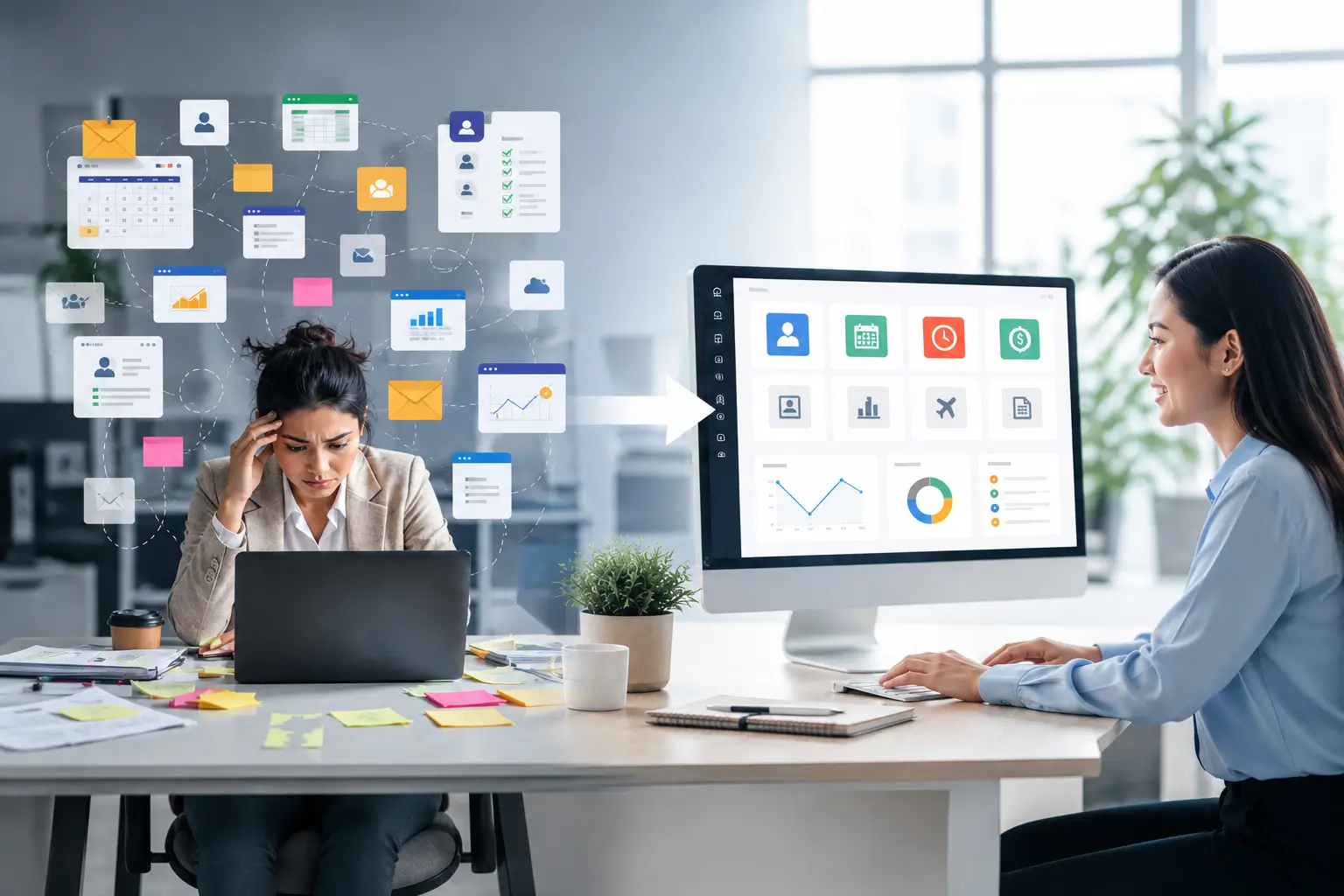
Cloud HR software for SMEs is one of the quickest ways a growing business can reduce admin load without losing control. When headcount climbs, spreadsheets, shared drives, and disconnected tools start creating duplicated data, approval bottlenecks, and reporting gaps. A cloud-based HR system brings your core HR operations into one place so your team can move faster with fewer mistakes.

Below are five upgrades growing SMEs typically notice soon after moving HR operations to the cloud—plus a short checklist to help you choose the right setup.
1) One source of truth for employee data (so errors don’t multiply)
As teams expand, the same employee details often live in multiple files—personal info, leave trackers, attendance exports, payroll adjustments, and onboarding documents. That’s when “small” inconsistencies turn into real payroll and compliance risk.
With cloud HR software for SMEs, your employee records are centralized. Updates flow across connected HR workflows—so HR, finance, and managers aren’t reconciling five versions of the truth at month-end.
What this looks like in day-to-day HR
- Fewer manual copy-paste steps across HR, attendance, and payroll processes
- Cleaner audit trails (who changed what, when)
- Faster reporting because data is structured and consistent
2) Access from anywhere (built for hybrid work and multi-site teams)
Even if your company is mostly office-based, HR rarely is. Hiring happens outside the office, managers approve requests on the move, and employees want quick access to documents without emailing HR.
Cloud platforms are designed for remote access with role-based permissions, so authorized users can securely access HR information online from supported devices. That flexibility is a major reason cloud HR software for SMEs becomes a growth enabler instead of “another tool.”
If you’re evaluating options, it helps to review how a vendor positions its platform as a cloud HRMS. For example, Adaptive Pay describes its solution as a cloud-based HRMS that supports access anytime, anywhere for authorized users.
AI-powered HRMS and payroll platform
3) Employee self-service that cuts repetitive HR tickets
When HR is small, it’s easy to underestimate the cost of constant micro-requests: “Can you resend my payslip?”, “What’s my leave balance?”, “Where do I apply for leave?” Multiply that by 30, 80, or 200 employees and it becomes a daily distraction.
Cloud HR software for SMEs usually includes employee self-service (ESS) features so staff can do common actions on their own—reducing back-and-forth and freeing HR for higher-value work like hiring, performance, and workforce planning.
Self-service features that make the biggest difference
- Viewing and downloading payslips
- Submitting and tracking leave requests
- Updating certain personal details (based on permissions)
If you want a concrete example of how ESS workflows are typically supported, Adaptive Pay provides an employee self-service help section with guides like applying/editing/canceling leave and downloading payslips.
employee self-service portal guides
4) Better security posture than “HR files on a shared drive”
Growing SMEs often run HR on shared folders, email attachments, and personal laptops—usually without meaning to. The result is scattered access, unclear permissions, and higher exposure when employees change roles or leave the business.
Cloud HR software for SMEs can improve security by centralizing access controls and permissions in the system, so you can align who sees what with job responsibilities. Many cloud HR providers also emphasize formal security standards (for example, ISO certification) as part of their trust and compliance story.
Security checks to ask about before you migrate
- Role-based access control (RBAC) and permission granularity
- Audit logs (especially for payroll-impacting changes)
- Data retention and offboarding processes
- Whether the vendor publishes security certifications and controls
5) Automation and reporting that scale without adding headcount
At 10–20 employees, HR processes can be manual and still feel “fine.” At 50–200, those same processes become a recurring bottleneck: approvals get stuck, tracking becomes inconsistent, and leadership can’t get clear visibility into trends.
Cloud HR software for SMEs typically helps by connecting modules—employee records, leave, claims, attendance, payroll, and reporting—so you can automate routine workflows and generate reports quickly when stakeholders need answers.
Where SMEs feel the impact fastest
- Approvals: standardized flows for leave/claims and clearer accountability
- Payroll readiness: fewer manual reconciliations because data is centralized
- Visibility: managers can make decisions based on real-time system data, not email threads
If you’re comparing platforms, look at how each vendor positions its “all-in-one” approach. Adaptive Pay, for instance, describes an all-inclusive cloud HR platform that combines employee management, payroll, attendance, leave, claims, and appraisals in a single system.
all-in-one cloud HR platform overview
Quick selection checklist for cloud HR software for SMEs
Before you choose (or migrate), align on these practical requirements. They’ll help you avoid buying a tool that’s either too light to scale—or too complex for your team to actually use.
- Data model: Can it support your employee types (full-time, part-time, shift-based, multi-site)?
- Workflows: Are approvals configurable for your real org structure?
- Self-service: Can employees easily access the items they ask HR for most often?
- Integrations: Does it connect with your accounting, time devices, or other operational tools?
- Reporting: Can you get headcount, attendance, leave, and cost visibility without exporting everything?
- Security & access: Can you implement least-privilege access and maintain audit trails?
- Implementation: What’s the realistic timeline to go live, and who owns data cleanup?
Common migration mistake: moving messy processes into the cloud
Cloud adoption works best when you simplify before you digitize. If your leave rules, approval paths, and payroll inputs are inconsistent today, migrating without cleanup can preserve the same confusion—just inside a new interface.
A good approach is to map your current HR processes, identify where data is duplicated, and standardize your rules (leave types, claim categories, overtime policy, manager roles) before you import.
Conclusion: choose cloud to standardize, then automate
Cloud HR software for SMEs isn’t only about convenience—it’s about building a scalable operating system for people operations. Centralized data, employee self-service, secure access controls, and workflow automation all help a growing business stay organized without expanding the HR team at the same rate as headcount.
If you’re planning a move, start by listing the workflows that currently drain the most time (payslips, leave, claims, attendance reconciliation), then prioritize a cloud HR setup that removes those friction points first.